← Products

Seshat, the AI agent in your terminal.

A full interface for long agent sessions, with your own models, on your machine. Under it, an open source runtime that the other two building blocks also build on.

Seshat

Available

Open source runtime, Apache-2.0. The terminal interface reuses code from Crush (FSL-1.1-MIT license).

See the code

An AI agent in your terminal, built on a runtime in Go. It can be used on its own by technical teams, and it is also the foundation of the two other blocks.

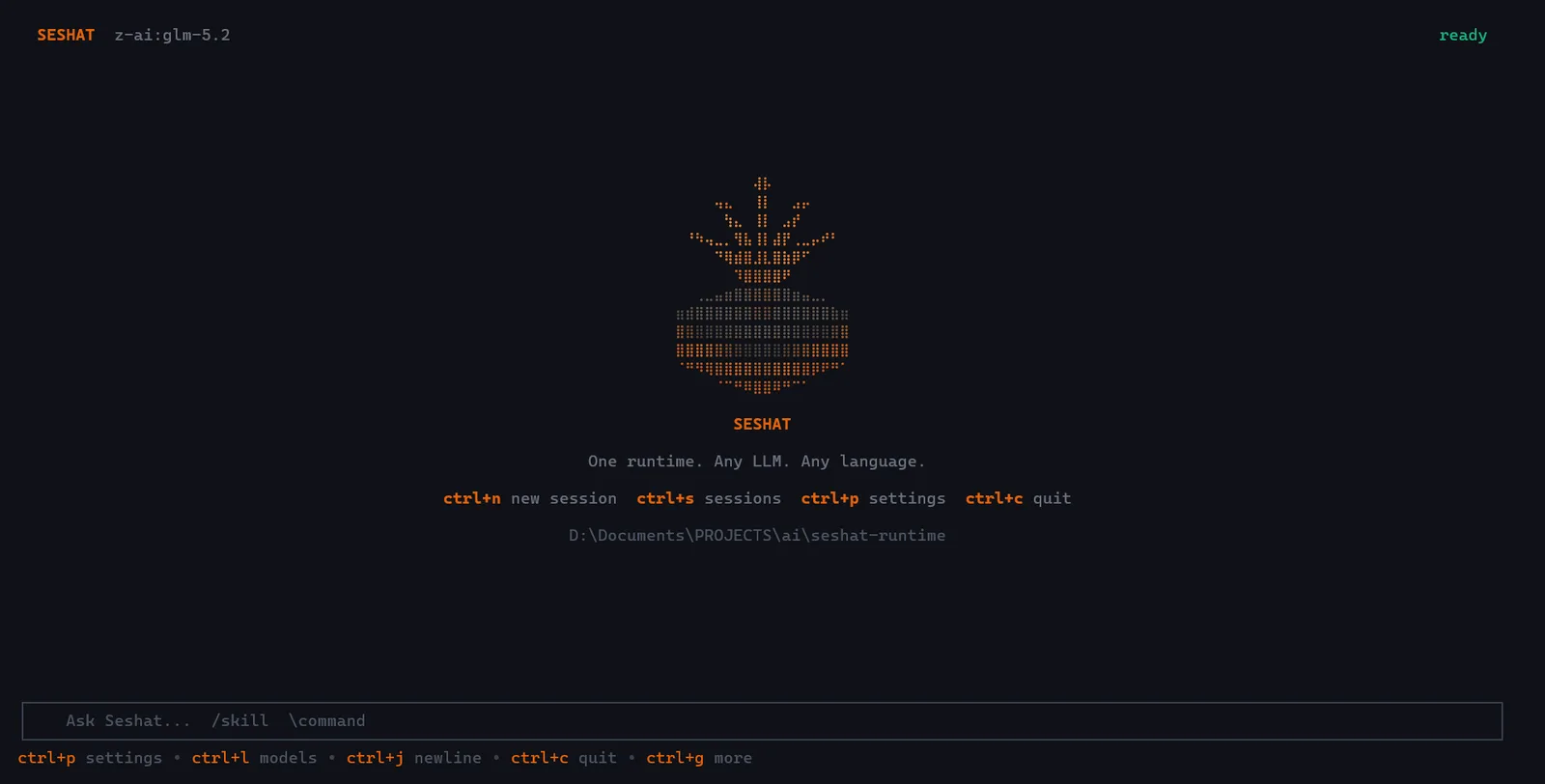
  • A full terminal interface (seshat chat): plan to approve, tools, sub-agents, tasks.
  • Tools, sessions, permissions and sandbox.
  • About fifteen model providers, MCP, skills and RAG; command line, gRPC and SDK.

Version 1.9, installable today on Linux, macOS and Windows.
Who it is for

For technical teams (developers, data and AI engineers) who want agents under their control, with the model of their choice, rather than a closed assistant.

What it is not

It is not a ready-to-use assistant for non-technical teams: that one is SeshatOS, which builds on this same runtime.

Seshat in your terminal, installable today.

seshat chat opens a full interface for long agent sessions, with your own model keys, on your machine.

Start with three commands.

Install, choose a model, open a session.

  1. 1
    InstallLinux and macOS. On Windows, use the Go toolchain.
    Linux and macOS
    $ curl -fsSL https://raw.githubusercontent.com/KPO-Tech/seshat-runtime/main/scripts/install.sh | bash
    Windows (PowerShell)
    PS> irm https://raw.githubusercontent.com/KPO-Tech/seshat-runtime/main/scripts/install.ps1 | iex
  2. 2
    Choose a modelHere a local model with Ollama, no API key. For a hosted provider, add --provider and --api-key.
    $ seshat config --provider ollama --model ollama:llama3.2
  3. 3
    Open a sessionOr run a one-off task with seshat run "…".
    $ seshat chat

Seshat in one picture.

One runtime, several ways to reach it, and the model of your choice behind it.

What happens when you ask for something.

Seshat runs the loop that turns a language model into something that can act. Example: "List all TODO comments in this project and group them by file."

  1. 1You ask

    Your message and the conversation go to the model.

  2. 2The model decides

    It answers if it can. Otherwise it asks for a tool: read files, search, run a command.

  3. 3Seshat checks

    Sensitive actions ask for your approval before they run.

  4. 4Tools run

    The result is added to the conversation.

  5. 5Result

    The model is called again with the results, until it has nothing left to do. You see every step.

Repeated until the task is done

Three ways to use it.

The same runtime is behind each of them: same sessions, same tools, same providers.

Available

Terminal

An agent for your own work, in your project folder.

$ seshat chat
$ seshat run "list the TODOs"

For developers and technical teams.

Documentation
Available

Go SDK

An agent to embed in your application, with your tools and your providers.

cfg := sdk.DefaultClientConfig()
client, _ := sdk.NewClient(cfg)
defer client.Close()

resp, _ := client.Ask(ctx,
  "List the TODOs", nil)
fmt.Println(resp.Content)

For teams building a product.

Documentation
Experimental

gRPC server

The agent as a service, called by other programs.

SeshatService
  Query · QueryStream
  skills · MCP · models · health

Partial surface: one service, SeshatService, with Query, QueryStream, skills, MCP, models and health.

Documentation

What the runtime gives you.

The model of your choice

About fifteen providers, from hosted APIs to local models with Ollama. Switch models without touching your code.

Tools under control

Files, shell, search, web. Each tool is declared, and sensitive actions ask for your approval.

Work you can pick up again

Sessions are saved locally: resume the latest one, or a specific session.

Your rules

Skills are Markdown files that teach the agent your team's conventions.

Connected services

MCP servers add external tools.

Safe by default

The configuration of a cloned project is ignored until you approve it, and secrets are not passed to the commands the model runs.

The layers of the stack that belong to this product

  • Agents and skillsSeshat runtime.
  • ToolsSeshat runtime.
  • MCP and connectorsMCP: available in the runtime. Source connectors: under construction, not yet validated in real conditions.
  • Sourced searchAvailable in the runtime. The Knowledge screen does not exist yet: search is used from Chat.
  • Permissions and sandboxSeshat runtime.
  • ModelsSeshat runtime.

Each layer and its maturity are detailed on the Products page.

See what fits your company.

The assessment says which building block, which market tool or which development fits your need best.

Request an assessment