First Agent
Your first agent does not need to be a complex multi-agent system. The real milestone is simpler: start a session, give it a concrete task, and get useful output in the environment where you actually work.
Avoid toy prompts. Use a real repository, a real directory, or a real question. The first good experience with Seshat usually comes from a concrete task, not from asking it to say hello.
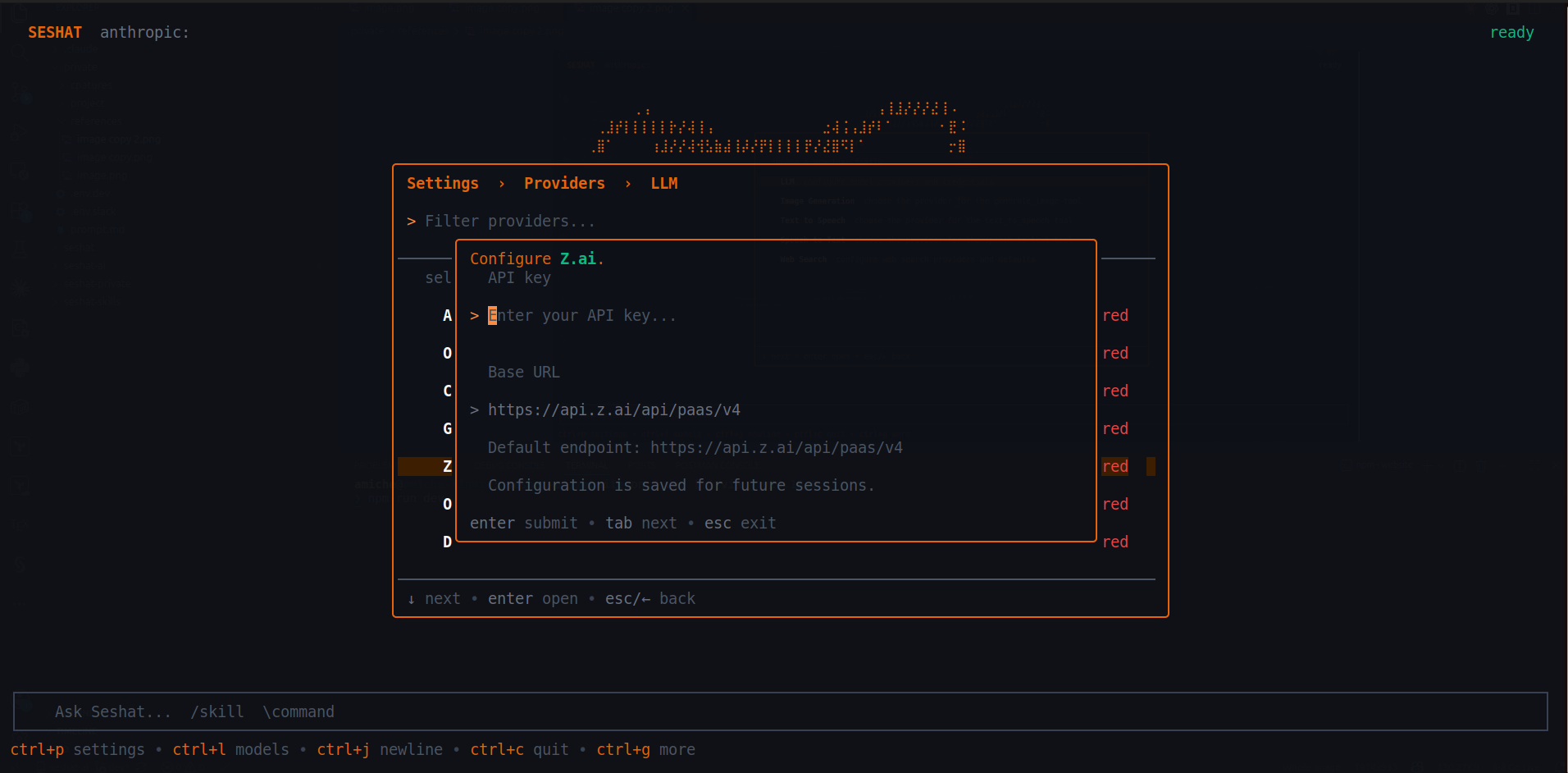
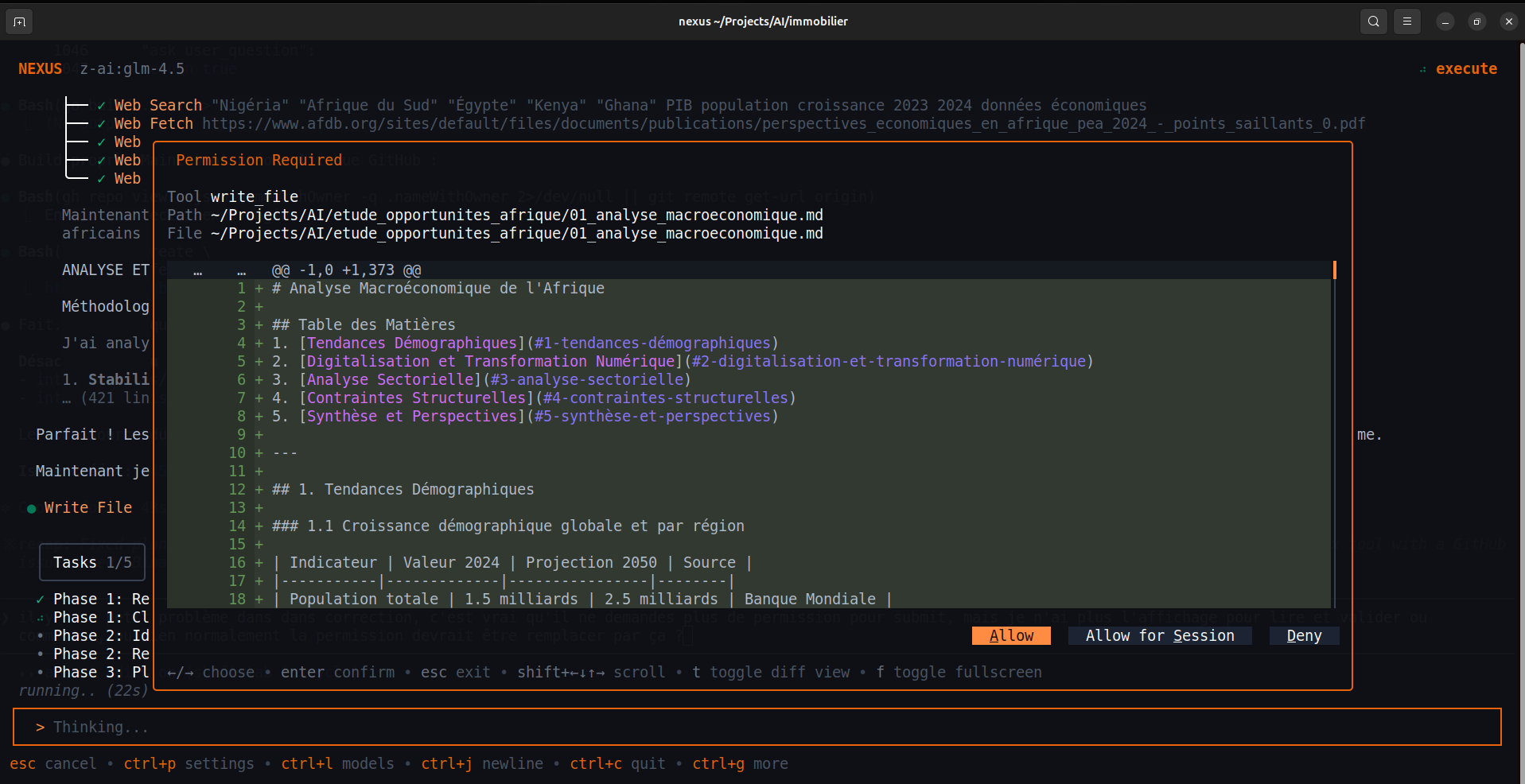
CLI session
For most people, the first agent is simply an interactive CLI session. Open it in the directory where the work lives.
seshat chat- Ask it to inspect the current codebase and explain the important parts.
- Ask it to find the next improvement worth making before touching files.
- Ask it to propose a plan, then validate or refine that plan.
One-shot mode
If you want a quick result without opening the TUI, use the headless runner. This is particularly useful in scripts or fast repo checks.
seshat run "Read this project, identify the next valuable improvement, and explain why"How it maps to different profiles
Use the agent as a working terminal companion: explore, summarize, search, and execute tasks step by step.
Drop Seshat into a real repo and iterate with it on code, commands, and file edits instead of treating it like a chatbot.
Once the CLI flow is validated, move to the SDK and embed the same runtime programmatically.
The runtime concepts stay the same, but SeshatOS adds auth, workspaces, governance, and richer product surfaces.
Minimal Go SDK example
Developers usually want to see the smallest viable embedding example once the CLI is working. This is the right moment for that.
package main

import (
  "context"
  "log"

  "github.com/EngineerProjects/seshat/pkg/sdk"
)

func main() {
  client, err := sdk.NewClient(sdk.DefaultClientConfig())
  if err != nil {
    log.Fatal(err)
  }
  defer client.Close()

  resp, err := client.Query(context.Background(), "Write a Go function that reverses a string", nil)
  if err != nil {
    log.Fatal(err)
  }

  log.Println(resp.Text)
}
Next step
From here, the natural next move is either a richer CLI guide or the SDK/API side, depending on how you plan to use Seshat.