Quick Start
This is the fastest path to a real first success with Seshat. It works for terminal-first users, vibecoders working inside a repo, and developers who want to validate the runtime before going deeper.
Configure a provider, open the interactive CLI, then run a one-shot prompt. Once those two commands work, you have a real baseline and can choose the path that fits your profile.
1. Configure a provider
Use any supported provider. Anthropic is a clean default example here, but the same flow works with OpenAI, OpenRouter, Mistral, Google, local Ollama, and others.
seshat config --provider anthropic --api-key sk-ant-...
seshat config --model anthropic:claude-sonnet-4-20250514
If you want more options, continue with the full configuration page.
2. Start the interactive CLI
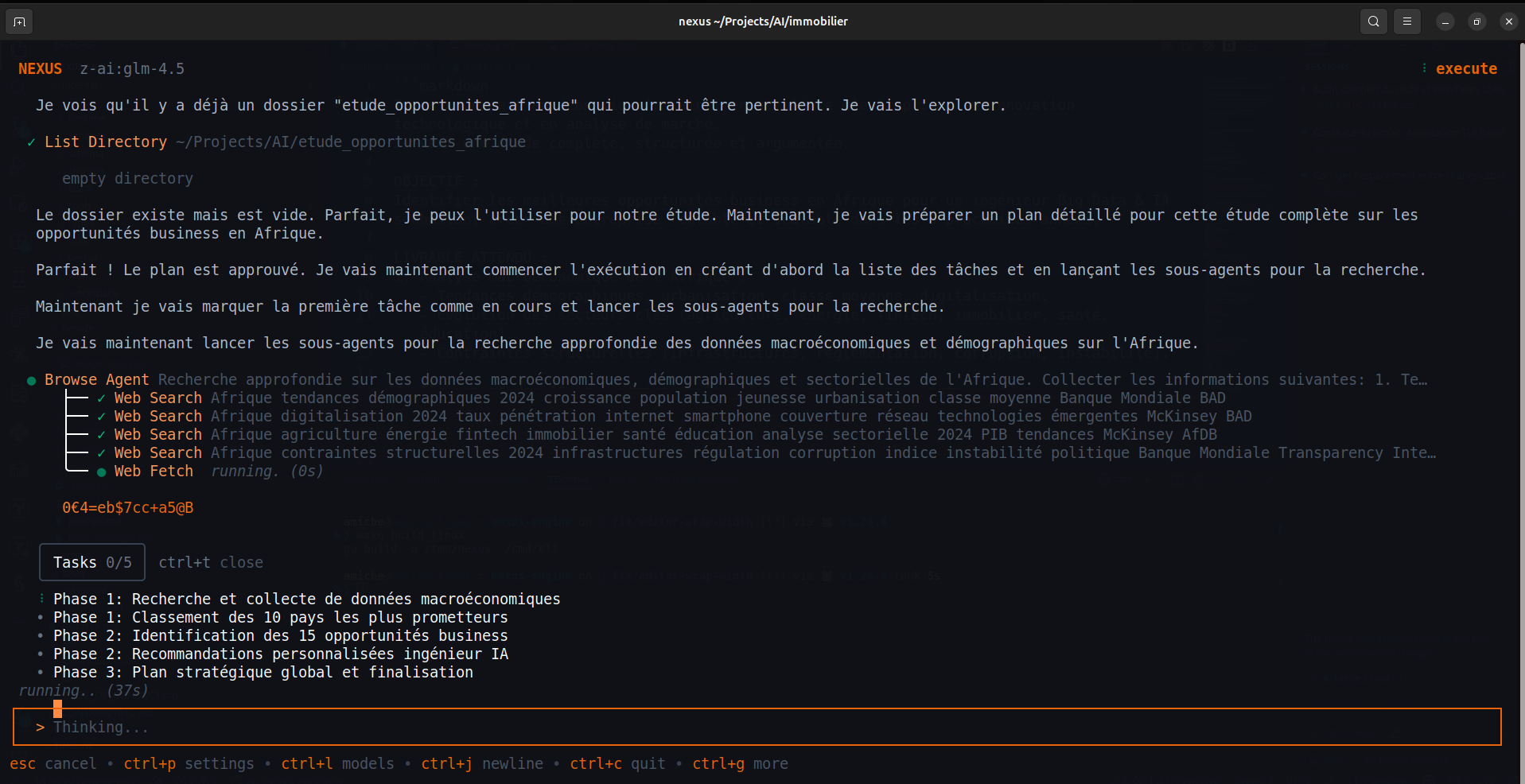
The main entry point is seshat chat. This opens the TUI where you can talk to the agent, switch models, inspect sessions, and approve sensitive actions.
seshat chat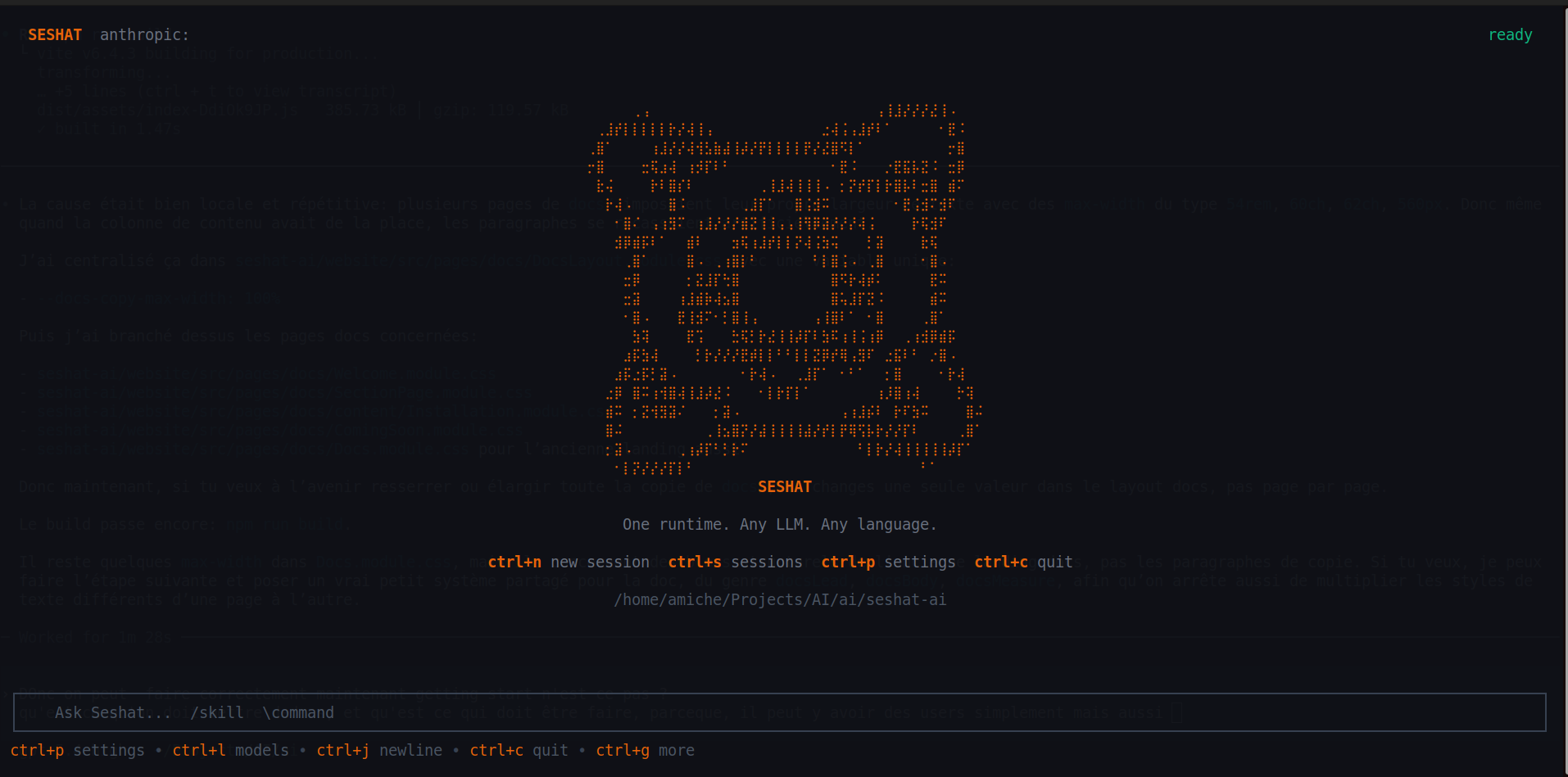
3. Run a one-shot prompt
If you do not want the full TUI yet, the headless entry point is seshat run. It is useful for quick experiments, scripts, and validating your setup.
seshat run "Summarise the current directory and suggest the next useful task"Choose your next path
Stay in the CLI, learn sessions, permissions, model switching, and how to work with the agent day to day.
Open Seshat inside a real repo and use it to inspect files, propose edits, run commands, and iterate on implementation.
Validate the CLI first, then move to SDK and API documentation once you want to embed Seshat in your own product.
If you are looking for the multi-user desktop and API layer, you are moving toward SeshatOS rather than the runtime alone.
Next step
After Quick Start, go deeper into provider setup or move directly to your first useful agent workflow.